Tutorials
Progress Bars
Show progress with animated progress bars.
Progress bars let users know something's happening. The Bubbles progress component makes them beautiful.
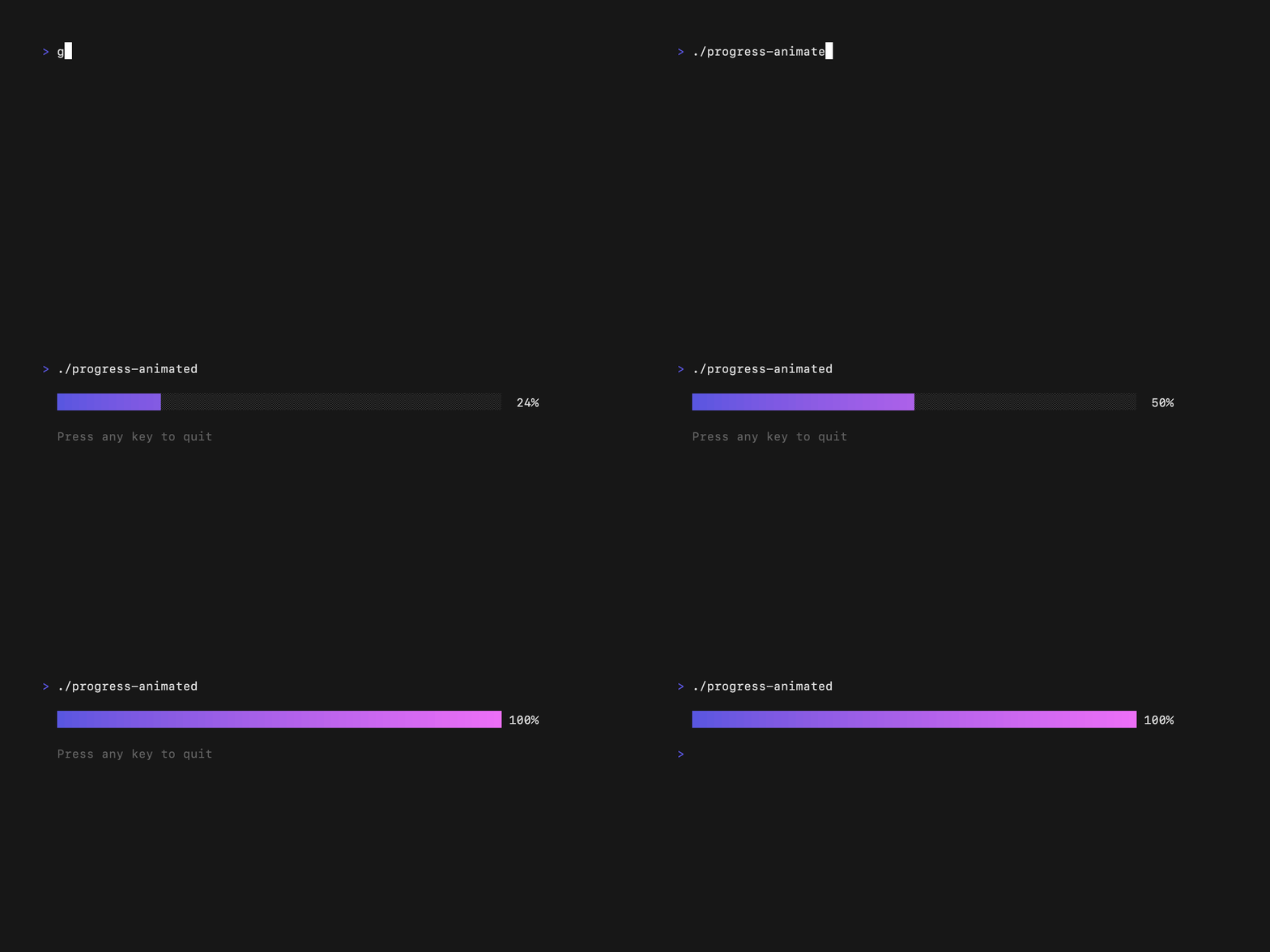
Basic Progress Bar
package main

import (
    "github.com/charmbracelet/bubbles/v2/progress"
    tea "github.com/charmbracelet/bubbletea/v2"
    "time"
)

type model struct {
    progress progress.Model
    percent  float64
}

type tickMsg time.Time

func tickCmd() tea.Cmd {
    return tea.Tick(time.Millisecond*100, func(t time.Time) tea.Msg {
        return tickMsg(t)
    })
}

func (m model) Init() tea.Cmd {
    return tickCmd()
}

func (m model) Update(msg tea.Msg) (tea.Model, tea.Cmd) {
    switch msg := msg.(type) {
    case tea.KeyPressMsg:
        if msg.String() == "q" || msg.String() == "ctrl+c" {
            return m, tea.Quit
        }
    case tickMsg:
        if m.percent >= 1.0 {
            return m, tea.Quit
        }
        m.percent += 0.01
        return m, tickCmd()
    case progress.FrameMsg:
        pm, cmd := m.progress.Update(msg)
        m.progress = pm.(progress.Model)
        return m, cmd
    }
    return m, nil
}

func (m model) View() string {
    return "\n" + m.progress.ViewAs(m.percent) + "\n\n"
}

func main() {
    m := model{progress: progress.New(progress.WithDefaultGradient())}
    tea.NewProgram(m).Run()
}
Progress Styles
With Gradient
progress.New(progress.WithDefaultGradient())
Solid Color
progress.New(progress.WithSolidFill("63"))
Custom Gradient
progress.New(progress.WithGradient("#FF0000", "#00FF00"))
Static vs Animated
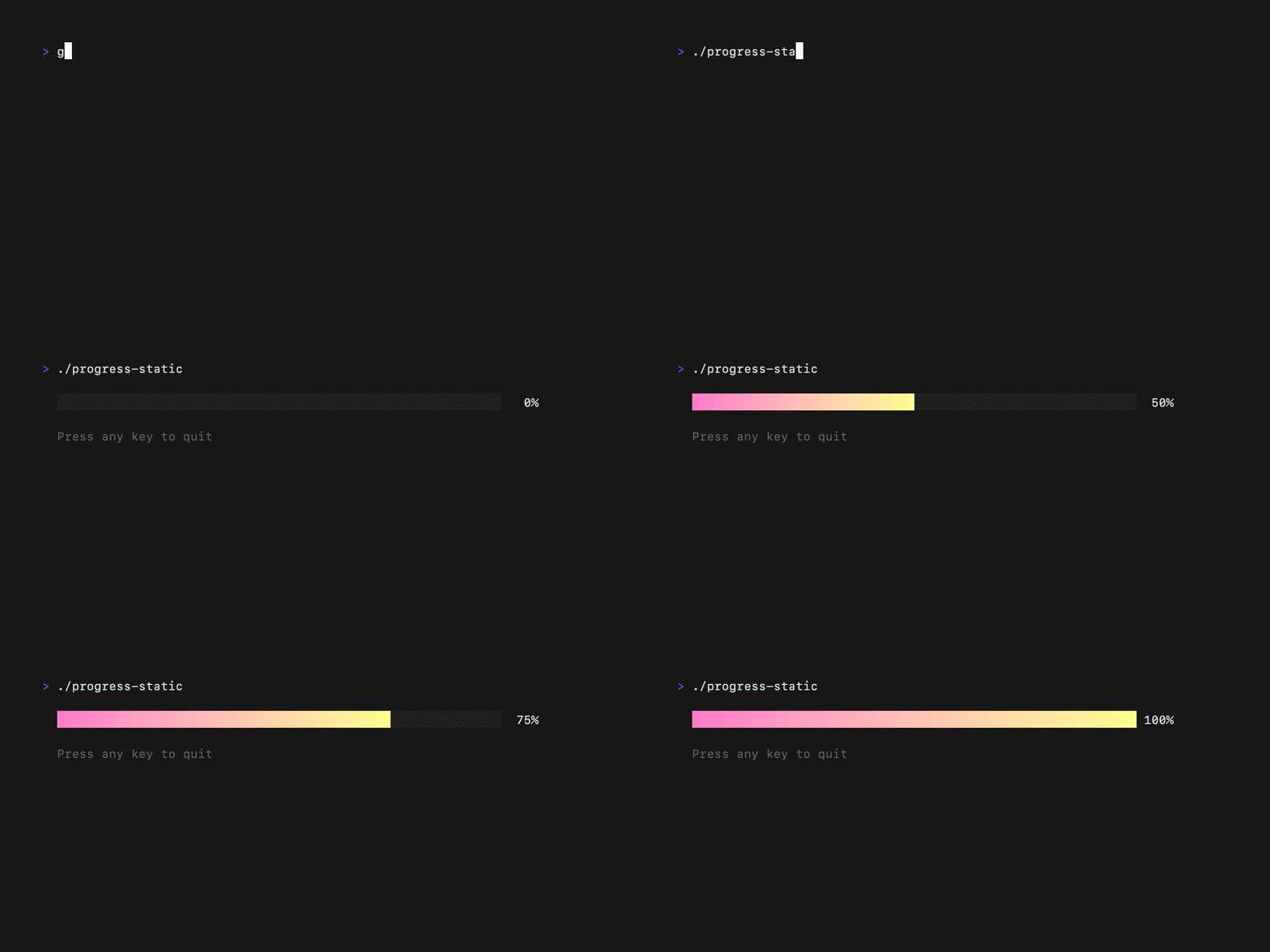
Static Progress
Update the percentage directly:
m.progress.ViewAs(0.5) // 50% progress
Animated Progress
Use the Frame pattern for smooth animations:
case progress.FrameMsg:
    pm, cmd := m.progress.Update(msg)
    m.progress = pm.(progress.Model)
    return m, cmd
Download Progress Example
Track real progress:
func download(url string) tea.Cmd {
    return func() tea.Msg {
        // ... download logic ...
        return progressMsg{percent: bytesRead / totalBytes}
    }
}

case progressMsg:
    m.percent = msg.percent
    return m, nil
Customization
p := progress.New(
    progress.WithWidth(40),
    progress.WithGradient("#FF0000", "#00FF00"),
)

// Or modify after creation
p.Width = 60
p.Full = '█'
p.Empty = '░'
Use
progress.WithScaledGradient() for gradients that scale with the current progress value!