Tutorials
Help Component
Display keyboard shortcuts with the help bubble.
Show users their options with the help component!
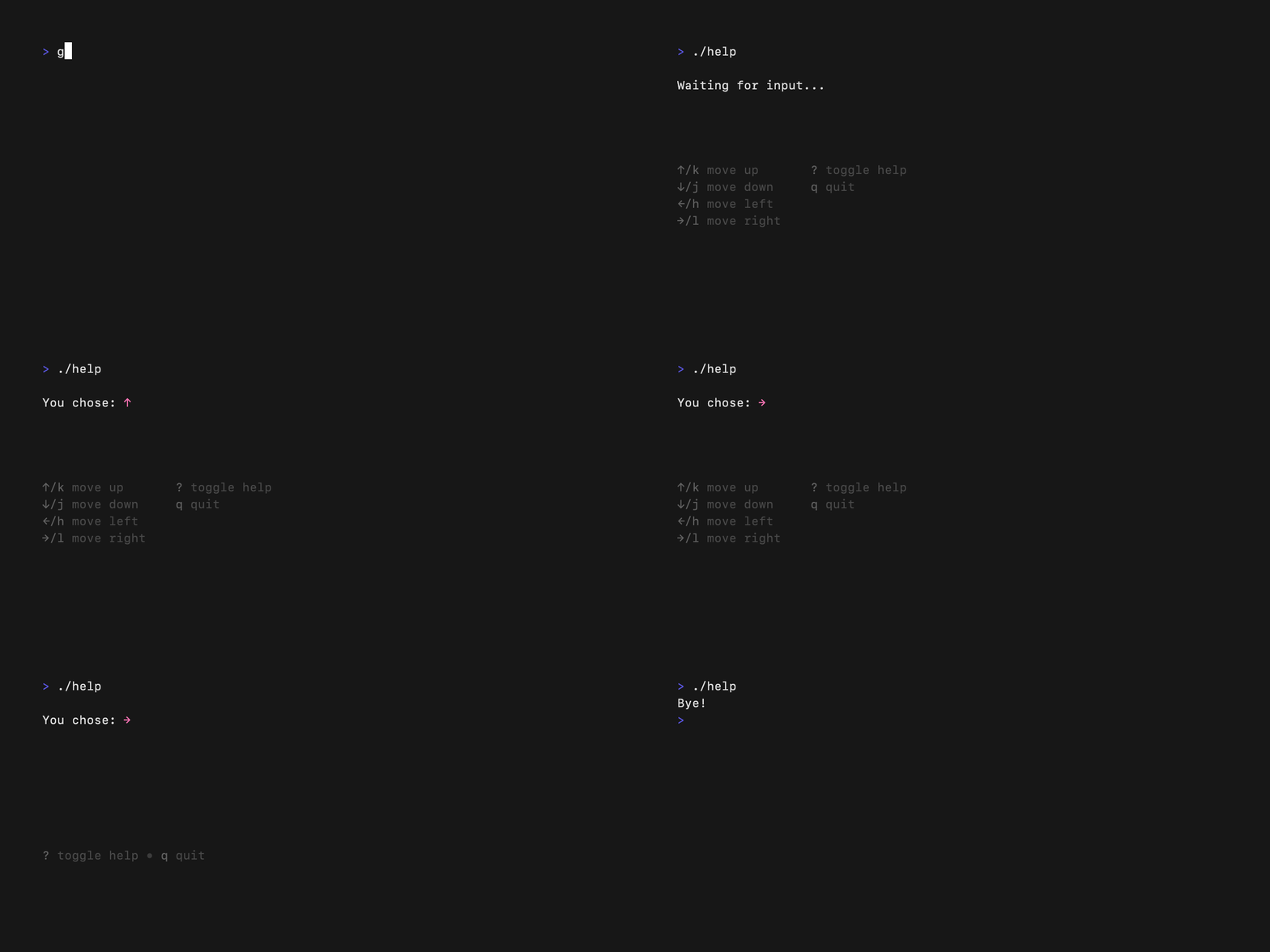
The Code
package main

import (
    "github.com/charmbracelet/bubbles/v2/help"
    "github.com/charmbracelet/bubbles/v2/key"
    tea "github.com/charmbracelet/bubbletea/v2"
)

type keyMap struct {
    Up    key.Binding
    Down  key.Binding
    Quit  key.Binding
}

func (k keyMap) ShortHelp() []key.Binding {
    return []key.Binding{k.Up, k.Down, k.Quit}
}

func (k keyMap) FullHelp() [][]key.Binding {
    return [][]key.Binding{{k.Up, k.Down}, {k.Quit}}
}

var keys = keyMap{
    Up:   key.NewBinding(key.WithKeys("up", "k"), key.WithHelp("↑/k", "up")),
    Down: key.NewBinding(key.WithKeys("down", "j"), key.WithHelp("↓/j", "down")),
    Quit: key.NewBinding(key.WithKeys("q"), key.WithHelp("q", "quit")),
}

type model struct {
    help help.Model
    keys keyMap
}

func (m model) Init() tea.Cmd { return nil }

func (m model) Update(msg tea.Msg) (tea.Model, tea.Cmd) {
    switch msg := msg.(type) {
    case tea.KeyPressMsg:
        switch {
        case key.Matches(msg, m.keys.Quit):
            return m, tea.Quit
        case key.Matches(msg, key.NewBinding(key.WithKeys("?"))):
            m.help.ShowAll = !m.help.ShowAll
        }
    }
    return m, nil
}

func (m model) View() string {
    return "Press ? for help\n\n" + m.help.View(m.keys)
}

func main() {
    m := model{help: help.New(), keys: keys}
    tea.NewProgram(m).Run()
}
Key Bindings
key.NewBinding(
    key.WithKeys("up", "k"),      // Keys that trigger
    key.WithHelp("↑/k", "up"),    // Help text
)